Ready to use right away
The default buttons cover the Anki actions most people use, so you can start reviewing without spending time setting everything up first.

#1 Anki Remote of 2026
Built for med students who spend hours in Anki, MODI makes long review sessions faster, more comfortable, and easier to stay consistent with every day.
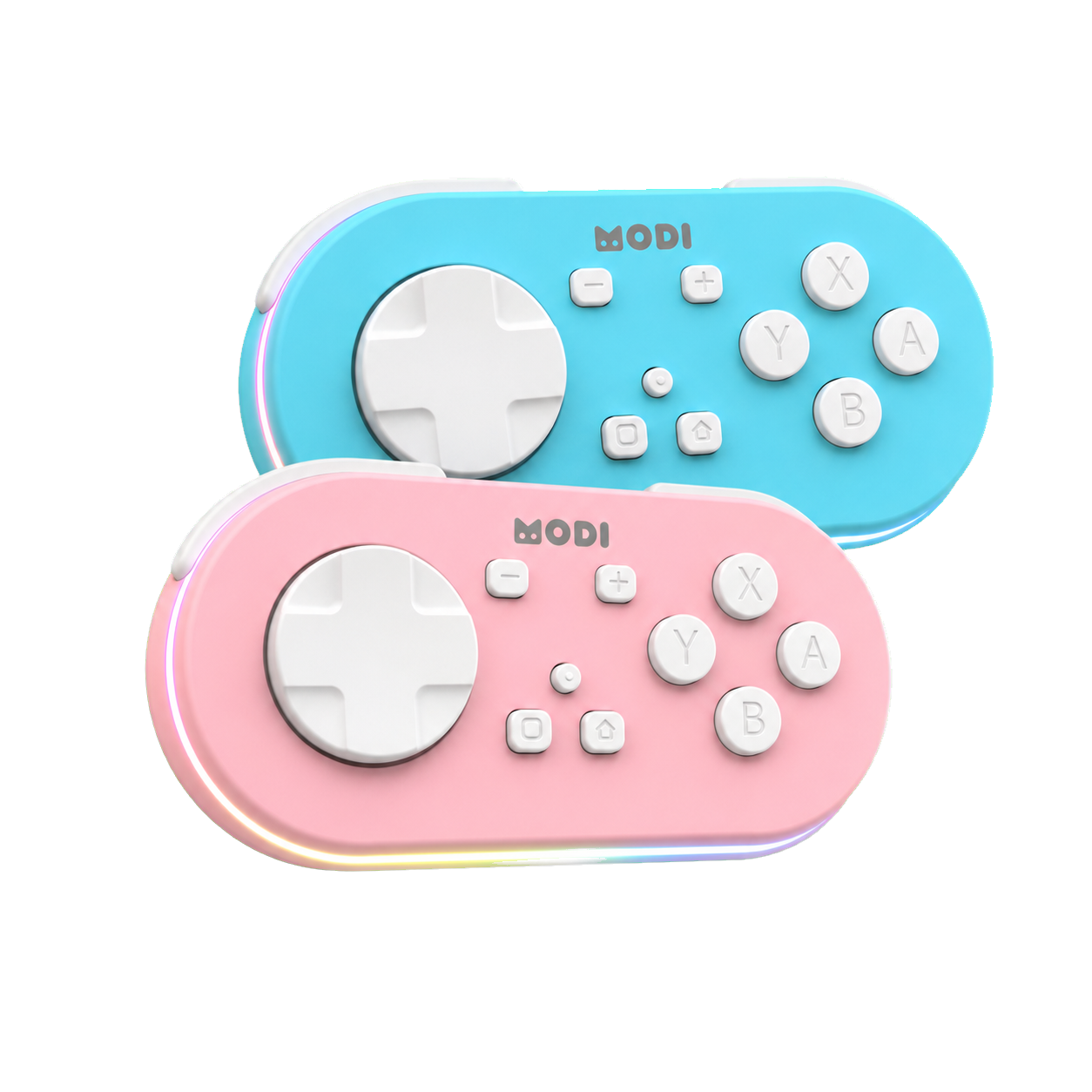
Why students like it
Start instantly, then fine-tune it when your routine gets more specific.
The default buttons cover the Anki actions most people use, so you can start reviewing without spending time setting everything up first.
If your workflow changes, you can remap the buttons through the Anki plugin instead of being stuck with the default layout.
Use MODI with your desktop, phone, or tablet. It connects over Bluetooth, lasts up to 16 hours on a charge, and feels good enough to use every day.
Student results
MODI is designed to make the repetitive parts of review easier: answering cards, staying comfortable, and getting back into your flow after interruptions.
With less reaching, long review sessions can feel faster and easier to stay focused through.
One-handed control can be more comfortable when you're doing reviews every day.
Enough to get through regular study sessions without constantly thinking about charging it.
Need setup help?
The tutorial links out to the full desktop and mobile setup guides and keeps the quick device reference in one place.
Blog
The Anki add-on steps, plugin code, and the Switch Mode setup that goes with it.
Read moreWhich one to start with, what the green and blue LEDs mean, and when each mode makes more sense.
Read moreCharge indicators, battery life, light controls, sleep timing, and firmware notes.
Read moreFAQ
The common setup, compatibility, and battery questions people ask before choosing MODI.
Yes. MODI works with desktop Anki on macOS, Windows, and Linux, plus AnkiMobile on iPhone/iPad and AnkiDroid on Android.
For the fastest desktop setup, no plugin is needed. Use Keyboard Mode by pressing A + Home, pair over Bluetooth, and start reviewing. The optional Anki plugin is only needed if you want custom button remapping.
Yes. Use Switch Mode by pressing Y + Home, then install the MODI Anki plugin in desktop Anki with code 406900239 to remap buttons.
That is normal. MODI automatically enters sleep mode after about 5 minutes of inactivity to save battery. Press a button to wake it, then reconnect if your device asks.
MODI lasts up to about 16 hours of continuous use. The longest battery life is with the remote LEDs turned off; the LED flashes red when battery is low, flashes green while charging, and turns off when charging is complete.