
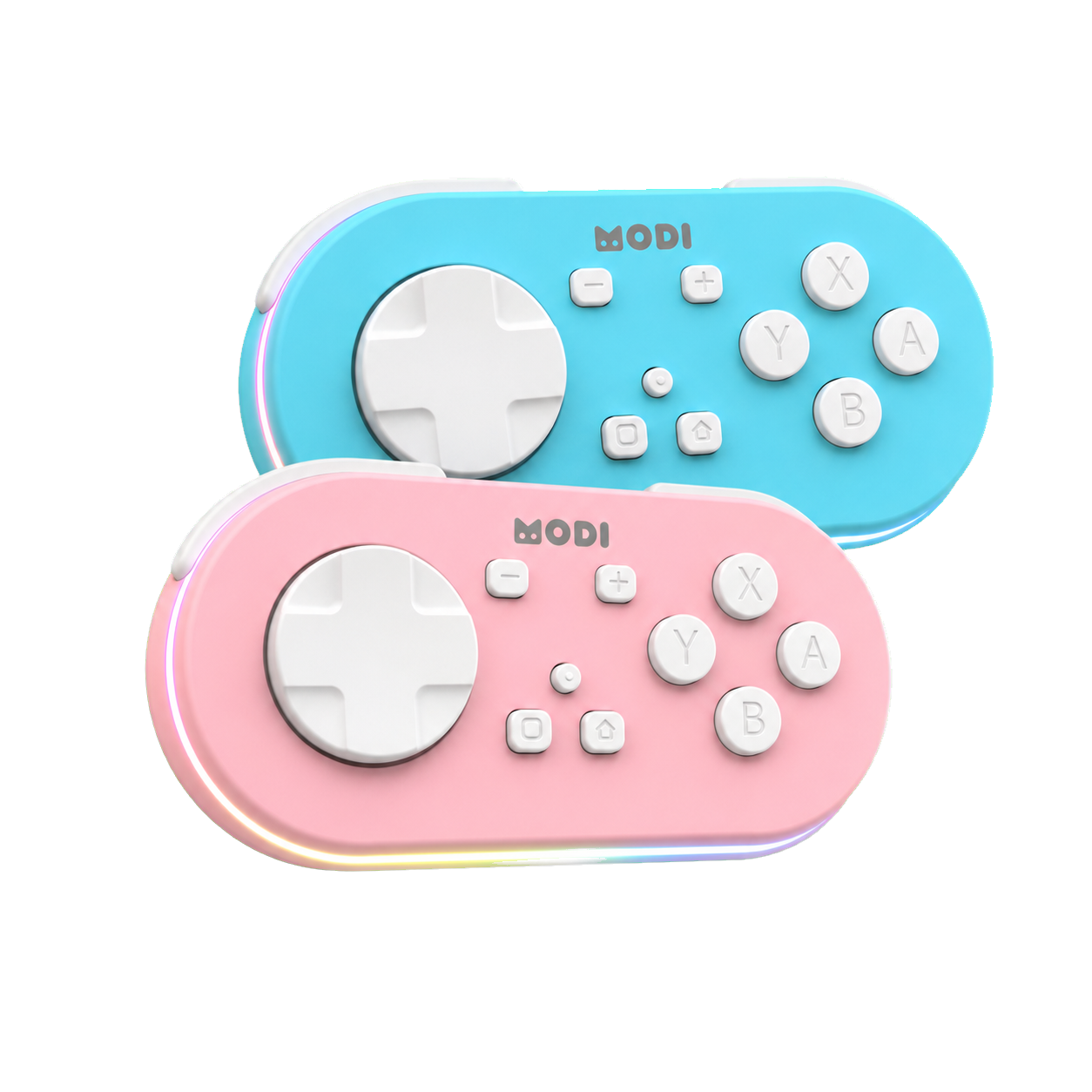
MODI Anki remote uses a 3.7 V, 330 mAh battery and is rated for approximately 15 hours of continuous use under the conditions described in the manual. That figure is a practical reference, not a guaranteed runtime for every session. Decorative lighting, Bluetooth connection state, charging habits, and host-device behavior can change what you see in daily use. This FAQ explains the documented battery, light, sleep, and troubleshooting details without treating app behavior as remote behavior.
MODI Anki remote uses a 3.7 V, 330 mAh battery and is rated for approximately 15 hours of continuous use under the conditions described in the manual. That figure is a practical reference, not a guaranteed runtime for every session. Decorative lighting, Bluetooth connection state, charging habits, and host-device behavior can change what you see in daily use. This FAQ explains the documented battery, light, sleep, and troubleshooting details without treating app behavior as remote behavior.
MODI is an independent Bluetooth accessory for Anki review workflows on supported desktop and mobile devices. It is not made, endorsed, or certified by Anki, AnkiMobile, AnkiDroid, Apple, Google, Microsoft, Amazon, Quizlet, or other software makers. For pairing and mode setup, use the complete MODI setup tutorial. This article stays focused on battery and lights, so it does not repeat full Keyboard Mode, Switch Mode, add-on, or mobile keybind instructions that belong in setup guides.
Battery
The documented battery specification is 3.7 V and 330 mAh, with a working voltage range from 3.7 V to 4.2 V. Those numbers describe the remote hardware, not the amount of time any particular user will study. Bluetooth accessories draw power differently depending on connection state and lighting. MODI should be treated like a rechargeable controller: charge it before a long review block, watch the documented light signals, and avoid guessing hidden battery percentages.
The approximately 15-hour figure refers to continuous use under the manual’s stated conditions. It should not be turned into a promise that every charge will last exactly that long. A remote used with decorative LEDs active can drain faster than one used with those lights off. If maximum practical battery life matters, the main user-controlled setting is simple: keep the decorative remote LEDs off when they are not needed during review or setup.
Runtime
Shorter apparent runtime does not automatically prove that the battery is defective. First check whether decorative lighting was left on, whether the remote stayed disconnected, and whether it spent time awake while no app was being used. The remote can also appear less predictable when a device repeatedly drops Bluetooth or keeps old pairings saved. Those conditions are part of the host-device environment, not necessarily a battery specification change or an Anki issue.
A reasonable battery check is to fully charge the remote, turn decorative lighting off, pair it normally, and use it in a typical review session. If the low-battery signal appears much earlier than expected across repeated sessions, note the mode, device, app, and whether the remote had been sleeping or reconnecting. That record is more useful than a single drained session because it separates power behavior from pairing problems, app settings, and accidental light use.
Charging
MODI uses simple charging indicators. When the battery is low, the LED flashes red quickly. During charging, the LED flashes green. When charging is complete, the charging LED turns off. The manual does not define a battery percentage for these patterns, so do not convert them into exact remaining capacity. A red flashing light means the remote needs charging; it does not tell you how many minutes are left.
If the remote is unresponsive, charge it before assuming a software problem. After charging, wake it with Home and let it reconnect in the last-used mode. If it still connects but does not control the app, the next diagnostic step is not battery repair. Check the Bluetooth pairing and app configuration, and if a fresh pairing still leaves the remote unresponsive, restart the host phone, tablet, or computer before testing again.
Lighting
Decorative lighting is separate from the core review controls, but it still uses battery. Double-click the Light button to turn decorative lighting on or off. Other documented light commands change patterns, including monochrome, color breathing, automatic seven-color breathing, single color, automatic seven-color mode, top-to-bottom flow, and double-tail automatic cycle. These effects are visual preferences. They should not be read as connection status, charge percentage, or Anki app feedback.
The most battery-conscious lighting habit is to leave decorative LEDs off unless you specifically want them visible. That does not change Anki, AnkiMobile, AnkiDroid, or Quizlet behavior; it only reduces unnecessary power draw on the remote. If a light pattern looks unfamiliar, avoid diagnosing from appearance alone. Use the documented low-battery, charging, and complete indicators, then verify whether the remote is paired, awake, and assigned correctly inside the app you are using.
Sleep
MODI automatically sleeps after approximately 2.5 minutes without a Bluetooth connection or 5 minutes of inactivity. This sleep behavior helps avoid needless battery drain when the remote is not actively connected or being used. Press Home to wake it and reconnect in the last-used mode. To manually sleep or turn off the remote, hold Home for 3 seconds. These timing details are approximate and should be treated as normal power management behavior.
Sleep can be mistaken for a failed connection if you return to a review session after a pause. Start by pressing Home, then wait for the device to reconnect. If you recently changed from Keyboard Mode to Switch Mode, or moved the remote to another phone, tablet, or computer, wake alone may not be enough. Forget saved MODI or Anki remote Bluetooth entries, then pair again in the desired mode before judging responsiveness.
Boundaries
Battery lights tell you about the remote’s power state, not whether Anki is configured correctly. Desktop Anki, AnkiMobile, AnkiDroid, Quizlet, operating systems, and Bluetooth settings each interpret inputs in their own ways. A charged and connected remote can still seem inactive if the wrong mode is paired, an app keybind is missing, or the host device is holding an old Bluetooth profile. Keep those categories separate when troubleshooting.
Do not open the remote, bypass charging protections, attempt unsupported battery repair, or infer firmware problems from a light pattern the manual does not define. The practical troubleshooting order is charge, wake, confirm the documented LED state, remove stale Bluetooth pairings when changing modes or devices, repair in the intended mode, and restart the host device if a fresh connection remains unresponsive. That sequence respects the documented battery behavior while avoiding guesses about unrelated software.
Sources and product references
This first-party MODI guide was checked against the current product manual and relevant app documentation. App menus and third-party behavior can change after publication.